
Why does Hebrew appear reversed in a DWG link in Revit?
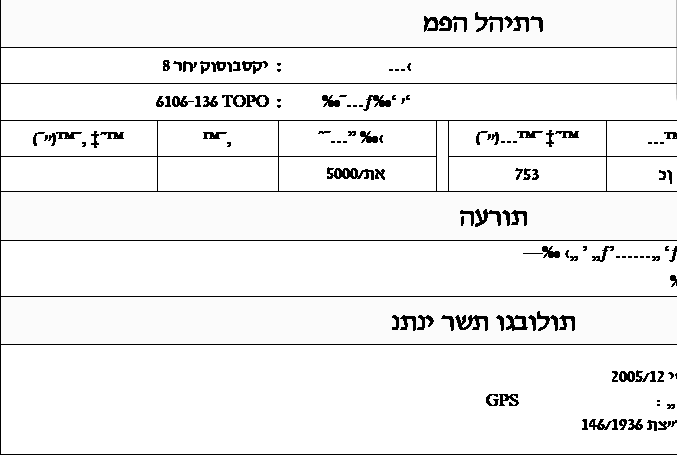
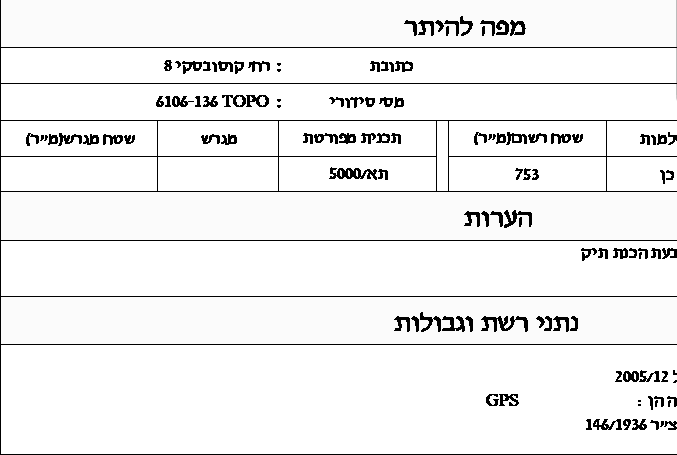
You load the consultant's DWG as a link, and the Hebrew labels on the sheet read back to front. In AutoCAD the same file looks fine.
A- Sheet
- A-05.1
- Title
- Reversed Hebrew in a DWG link in Revit
Why it happens
A-05.1.1In many Israeli files the Hebrew was stored in visual order, so that AutoCAD's drawing fonts (SHX) would show it correctly. Revit doesn't display SHX fonts and draws the same characters left to right, so each word comes out reversed.
Swapping the font alone doesn't solve it: that changes the shape of the letters, not their order.
The fix
A-05.1.2VIT DWG Editor, a tool in the Vitruvius plugin, fixes the text in the link itself, with one click, inside Revit, without opening AutoCAD or editing any settings file. The fix is written to the link's DWG file. The building elements in the model don't change, and a backup of the original file is saved before every fix. You can always restore.
Why a manual fix doesn't last
A-05.1.3The cost of the problem
The cost is working time wasted on every set of drawings.
The point of failure
When the consultant sends an updated drawing, the manual fix breaks, and in practice people keep working on outdated drawings.
Whose file it is
A manual fix means editing and interfering with the consultant's file, a file that does not belong to the architect.