
How do you fix gibberish, unreadable characters and reversed Hebrew in a DWG linked into Revit?
When you get a DWG from a consultant and link it into Revit, the Hebrew text sometimes shows up as gibberish and unreadable characters, or reversed. That happens because Revit doesn't render the SHX fonts and the writing direction AutoCAD used. The VIT DWG Editor tool fixes it with one click.
The fix is written to the link's DWG file. The building elements in the model don't change, and a backup of the original file is saved before every fix.
A- Sheet
- A-06.1
- Title
- How to fix gibberish, unreadable characters and reversed Hebrew in a linked DWG in Revit
The steps
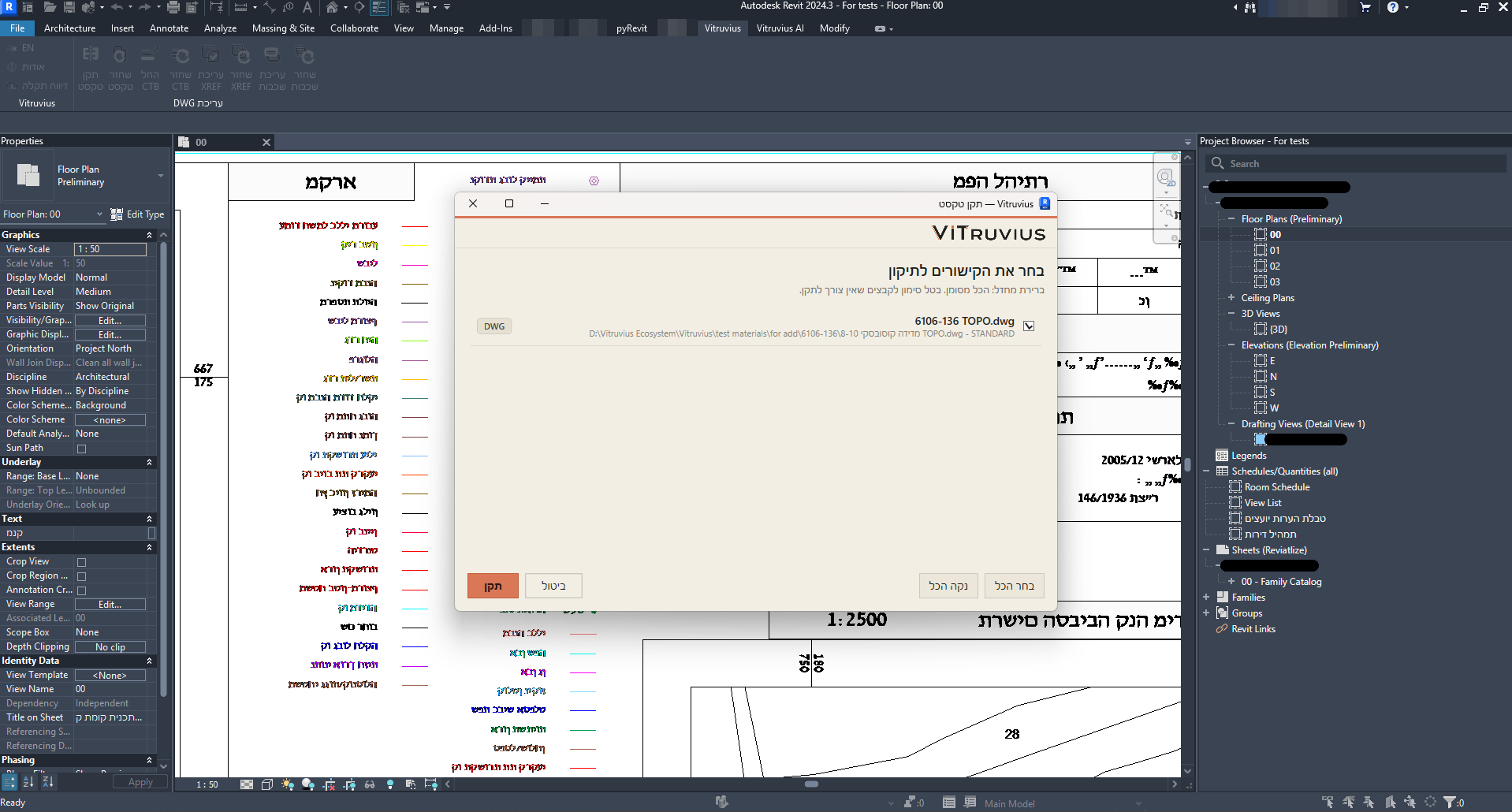
A-06.1.1- Choose the link
- Click "Fix Text" in Revit
- See the result
Before and after
A-06.1.2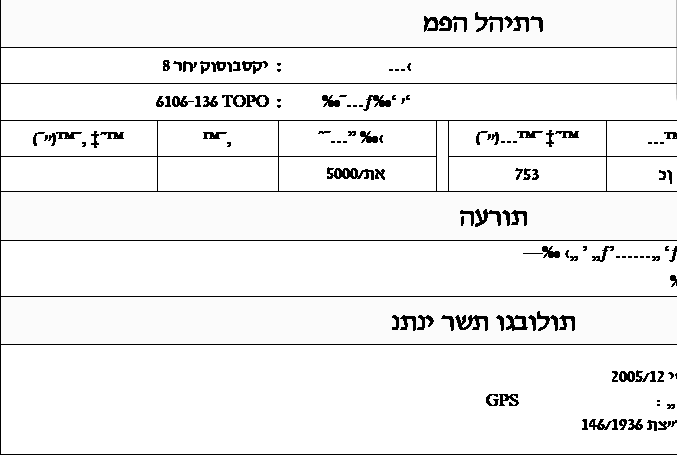
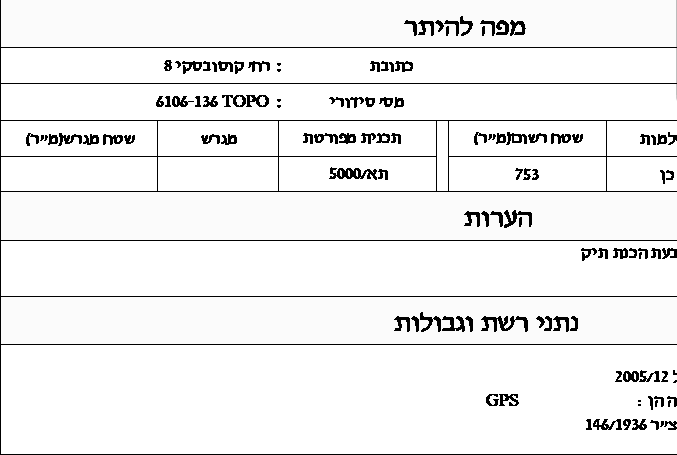
Restore
A-06.1.3You can always restore. How to put a link back the way it was