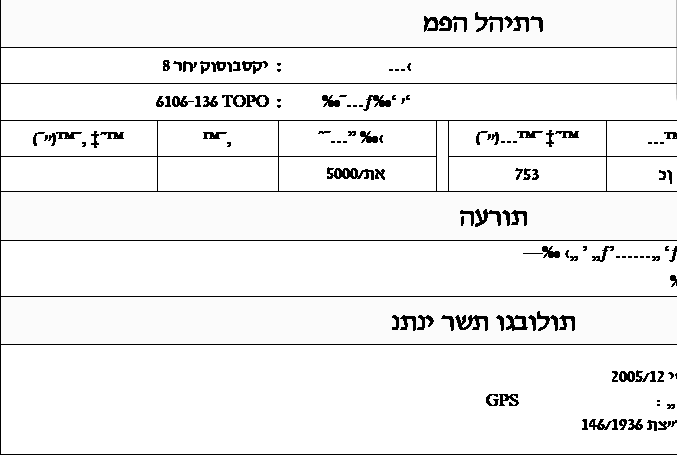
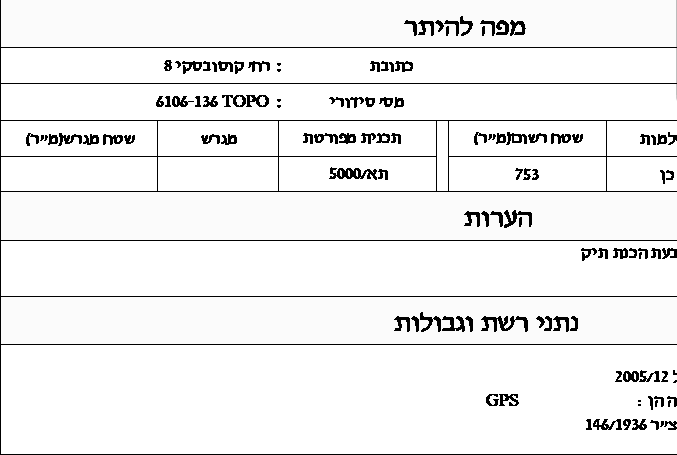
Why does Hebrew in a DWG link come out mirrored, and move from its place?
The Hebrew labels in the link look like a mirror image, and sometimes jump from their place when you edit them. What the sheet shows is also what comes out in print and in the PDF.
A- Sheet
- A-05.3
- Title
- Mirrored Hebrew text that moves in a DWG link
Why it happens
A-05.3.1An old convention in Israeli drawings marks the text so that AutoCAD shows it mirrored and it ends up reading correctly. Revit ignores that marking, so the order flips and the text's anchor shifts by its full width.
That's why print settings don't fix it: the problem is already on the sheet before you print.
The fix
A-05.3.2VIT DWG Editor, a tool in the Vitruvius plugin, fixes the text direction in the link, with one click, inside Revit, so the label stays where it was drawn and the print comes out right. The fix is written to the link's DWG file. The building elements in the model don't change, and a backup of the original file is saved before every fix. You can always restore.